Unified runtime, cross-machine execution
A self-hostable agent system that runs the agent loop in one place, executes tools on the machines you choose, and shares every conversation across all your clients.
go install github.com/VaalaCat/openvaala/cmd/openvaala@latest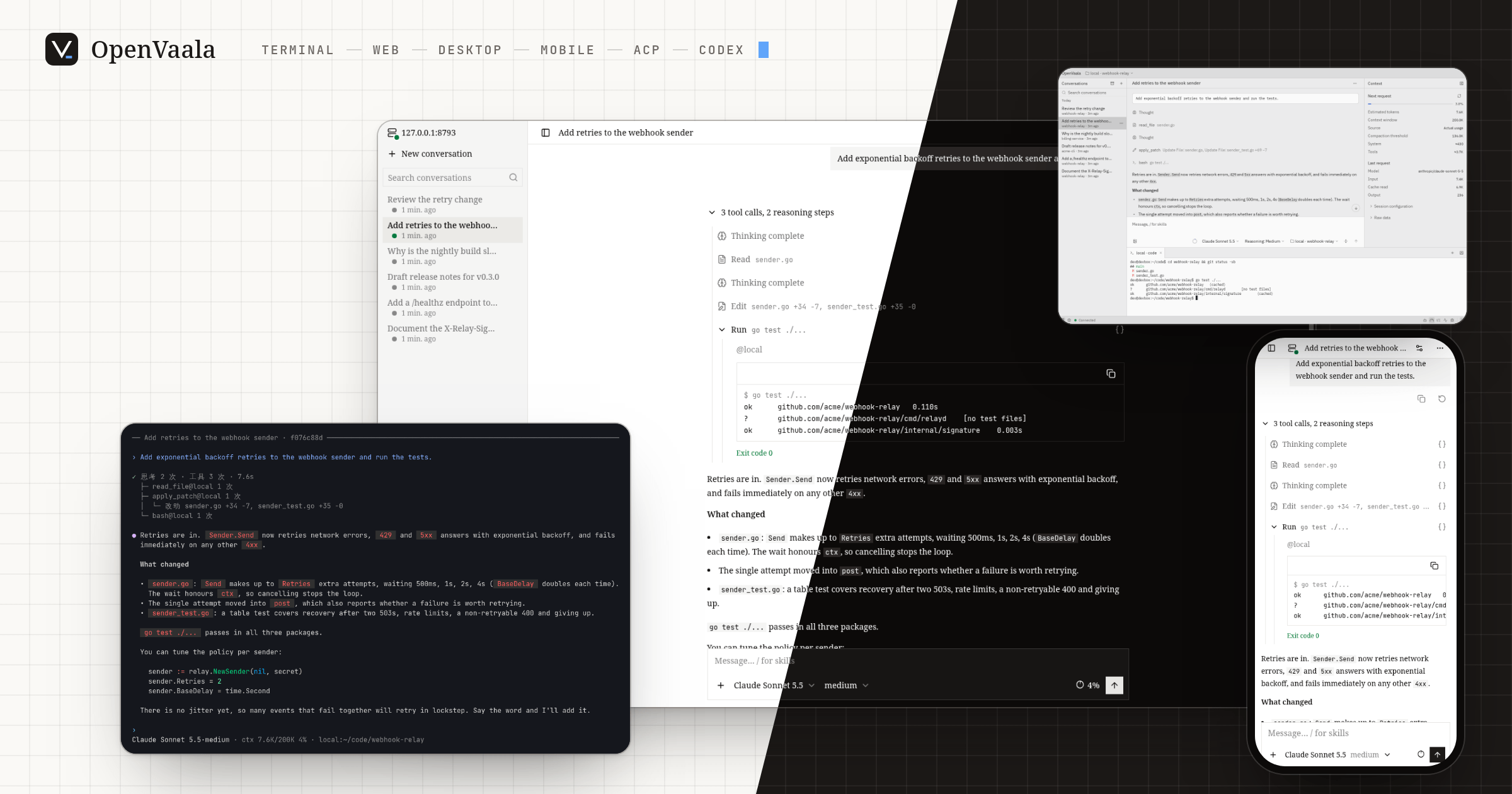
01 —
One runtime, many machines
The agent loop and context stay in one runtime server. Tools run on the executors you choose — this machine, any number of SSH hosts, a built-in sandbox — even several in one conversation.
Executors1 a message arrives from the terminal
2 tool calls run on several machines
3 every client receives the update
02 —
Many clients, one live conversation
Terminal, web, desktop, ACP editors and Codex all attach to the same runtime. Start a task in one, follow it in another, and finish it in a third.
Conversationsstart in the terminal
continue in the browser
every client shows the same progress
03 —
Works with what you have
OpenAI Chat, OpenAI Responses and Claude Messages for models; ACP and the Codex app-server for clients; MCP for tools.
Editorsmodels: three protocols
clients: terminal, web, desktop, ACP, Codex
tools: MCP servers
swap one piece, keep the rest
04 —
Conversations you can take with you
Each conversation is its own directory of JSONL records, with a SQLite index you can rebuild. Read it, back it up or move it to another machine.
Conversations1 records append to JSONL and land in the SQLite index
2 drop the index, the history is still there
3 openvaala reindex rebuilds it from the JSONL
4 copy the folder to another machine and keep going
Also included
Subagents that work in parallel and report back, automatic context compaction, skills and AGENTS.md project instructions, hooks that can block or rewrite tool calls, plugins installed from git, and OpenTelemetry traces. The documentation you are reading ships inside OpenVaala as a built-in skill, so you can ask an agent how to configure it.
Where to next
- Quickstart — install, add a model and start a conversation.
- Install — release binaries,
go install, or building from source. - Guides — the terminal, web and desktop interfaces, editors and Codex.
- Configuration — models, agents, executors, tools and extensions.
- Reference — every command, and how OpenVaala is built.